
Where the work started
Internal LogixScale production engineering and recovery workflow. This is a documented owned-property implementation, not an external client engagement.
What needed to change
LogixScale needed a controlled way to diagnose and recover production WordPress failures without destructive resets, while preserving a clear separation between normal WordPress development and infrastructure-level recovery.
What we did
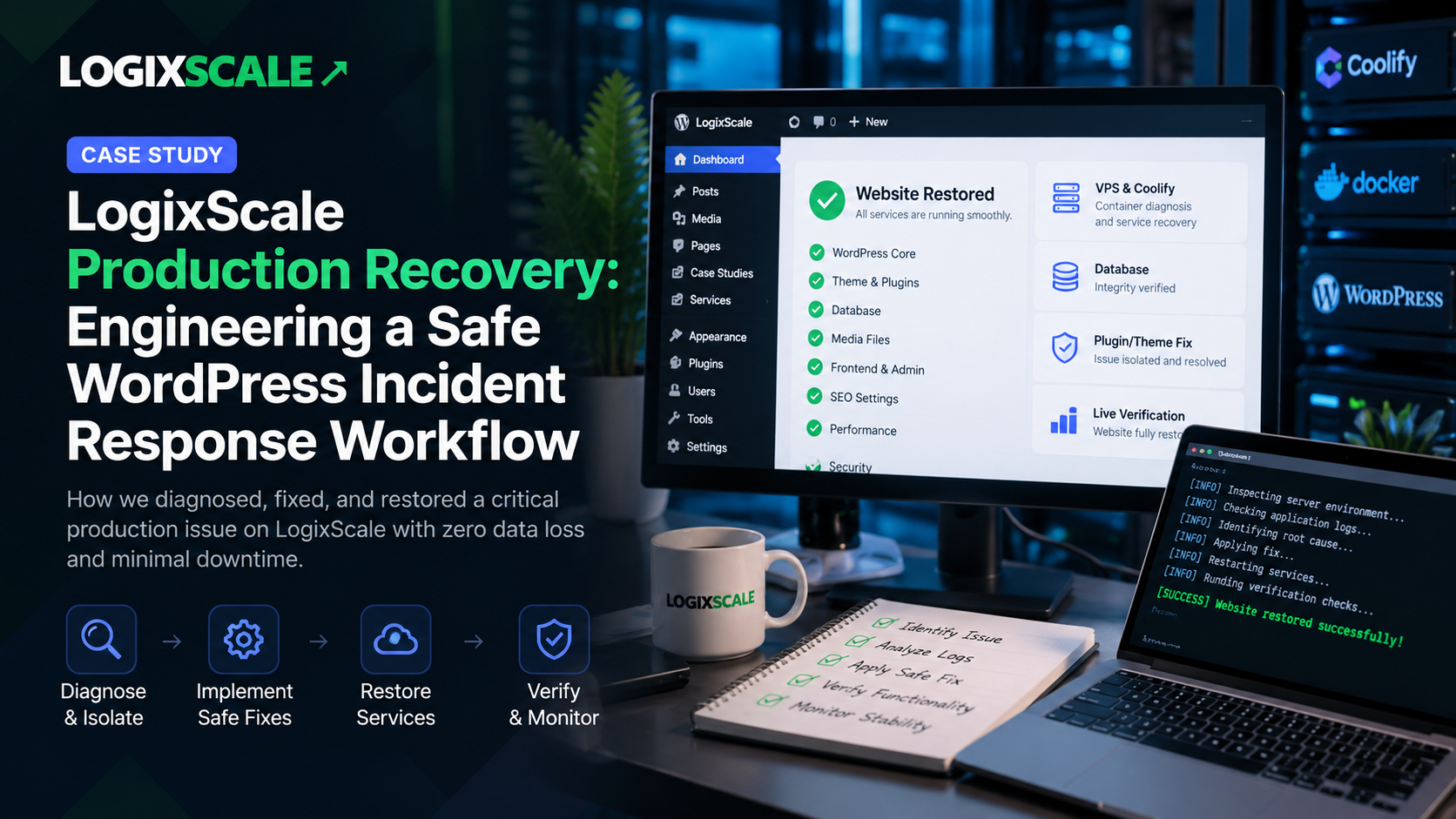
Established an evidence-first recovery workflow across WordPress, PHP, plugins, themes, database connectivity, containers, Coolify, logs, and the public site, using the smallest safe fix followed by full-path verification.
What changed
A documented production incident-response and recovery model for LogixScale. No specific downtime, ranking, traffic, revenue, or conversion uplift is claimed because independent performance measurement is not established.
Case Study Type: Internal / Owned Property — LogixScale Production Engineering
Production incidents are different from ordinary development tasks. When a live WordPress system fails, the goal is not simply to make the error disappear. The system has to be diagnosed without destroying data, the smallest safe correction has to be identified, and the public site has to be verified before normal development resumes.
This internal LogixScale case study documents the production-recovery workflow we use for the live logixscale.com environment: how we separate application, plugin, theme, database, container, deployment, and infrastructure problems; how the VPS/Coolify layer is used when WordPress-level access is not enough; and how verification is performed after a fix.
The Starting Point
LogixScale is developed directly on its production WordPress environment rather than through a separate normal test-site workflow. The primary development interface is the LogixScale WordPress AI/MCP connection, while the connected VPS and Coolify environment provides the infrastructure, debugging, recovery, and emergency-access layer.
The production path is:
LogixScale VPS → Coolify → WordPress service/container → /var/www/html → logixscale.com
That architecture makes recovery discipline important. A change made to production can affect the public website immediately, so recovery work follows an evidence-first process rather than a blind redeploy or broad reset.
The Problem: A Production Failure Has Multiple Possible Causes
A WordPress connection failure or a public-site error does not automatically mean the MCP connection is the problem. The failure can exist at several layers:
- WordPress application boot
- PHP runtime or fatal errors
- Plugin code or dependencies
- Theme templates or functions
- Database connectivity
- Container health or restart loops
- Coolify deployment state
- Web server or proxy configuration
- Filesystem or permissions
- Network or resource conditions
The first engineering decision is therefore isolation: identify which layer is actually failing before changing anything.
Our Recovery Approach
1. Observe Before Changing
The first step is to establish whether the public site is reachable and whether the WordPress application is healthy. We check the public URL, the WordPress container, container health, recent logs, and any available application error information.
This prevents a common production mistake: changing several components at once and losing the evidence that could have identified the original cause.
2. Identify the Exact Failure
When a critical error is present, the investigation narrows from the environment to the exact failure. We look for PHP fatal errors or uncaught exceptions, identify the plugin, theme, file, function, or dependency involved, and inspect the affected implementation.
The objective is not to make a generic “WordPress fix.” It is to establish a specific root cause that can be addressed with the smallest reasonable change.
3. Isolate Rather Than Destroy
If a plugin is responsible for a failure, the safe recovery pattern is to isolate that plugin rather than delete it. If a theme component is responsible, the affected component is inspected and corrected rather than replacing the entire theme.
The same principle applies to infrastructure. Database resets, volume deletion, mass plugin removal, complete wp-content replacement, or unnecessary container recreation are not normal recovery techniques for this environment.
4. Apply the Smallest Safe Fix
Once the cause is understood, the correction is intentionally narrow. A specific PHP function is fixed instead of rewriting an entire module. A template is corrected instead of replacing the theme. A configuration issue is addressed at the relevant layer instead of changing unrelated production infrastructure.
This approach reduces the surface area of the change and keeps rollback or further diagnosis manageable if the first correction does not resolve the issue.
5. Restore the Service
After the safe correction, the affected service is restored only as much as necessary. Restarting or redeploying is treated as an evidence-based action rather than the default response to an error.
The recovery objective is straightforward: restore service without losing data.
6. Verify the Entire Path
A successful code change is not enough. The final state is checked at multiple levels:
| Layer | Verification |
|---|---|
| Infrastructure | VPS/Coolify reachable and relevant service/container healthy |
| WordPress | WordPress boots and required components load |
| Public site | logixscale.com and affected URLs respond correctly |
| Functionality | The feature or page involved in the incident works as expected |
| Logs | No obvious new fatal error or repeated crash caused by the fix |
| Integration | LogixScale WordPress AI/MCP communication can resume when applicable |
Why the VPS and Coolify Layer Matters
The VPS is not treated as a second WordPress development site. It is the infrastructure layer behind the production environment.
That distinction keeps responsibilities clear. Normal content, SEO, media, WordPress configuration, and publishing work stays in the LogixScale WordPress AI/MCP workflow. VPS/Coolify access is reserved for problems that require container, filesystem, runtime, deployment, logs, or infrastructure-level investigation.
This separation also makes troubleshooting safer: infrastructure access is used because the evidence requires it, not simply because it is available.
What We Avoid During Recovery
- Blind redeployment before identifying the failure
- Database destruction or reset as a first response
- Deleting persistent Docker/Coolify volumes
- Mass deletion of plugins or themes
- Replacing the complete WordPress content directory without understanding the impact
- Making several unrelated production changes at the same time
- Declaring success from an API response without checking the public site
Evidence and Current Engineering State
The recovery model is now part of the documented LogixScale development architecture. Production development follows an Inspect → Understand → Change → Verify → Restore/Rollback if necessary discipline, with the public website treated as the final source of truth for functional verification.
The architecture also preserves a clear recovery path: WordPress AI/MCP for normal WordPress work, and VPS/Coolify for infrastructure-level diagnosis and restoration when the normal interface cannot safely complete the task.
This case study does not claim a specific reduction in downtime, traffic improvement, ranking improvement, revenue increase, or conversion uplift. Those performance outcomes require independent measurement and are not established by the engineering workflow itself.
Key Takeaway
Reliable production engineering is less about having a dramatic recovery command and more about having a disciplined decision process. Identify the failing layer, preserve data, isolate the problem, make the smallest safe correction, and verify the complete production path before declaring the incident resolved.
For LogixScale, that approach turns the live production environment into a system that can be developed continuously while retaining a controlled recovery path when technical failures occur.
Related LogixScale Work
This engineering foundation supports the wider LogixScale platform and SEO architecture. The related case studies document the unified digital platform and the search-ready SEO engineering foundation built around the same production environment.
CTA: If your WordPress or digital growth system needs a safer technical foundation, LogixScale can help assess the architecture, identify implementation risks, and build a practical path toward a more maintainable production environment.